
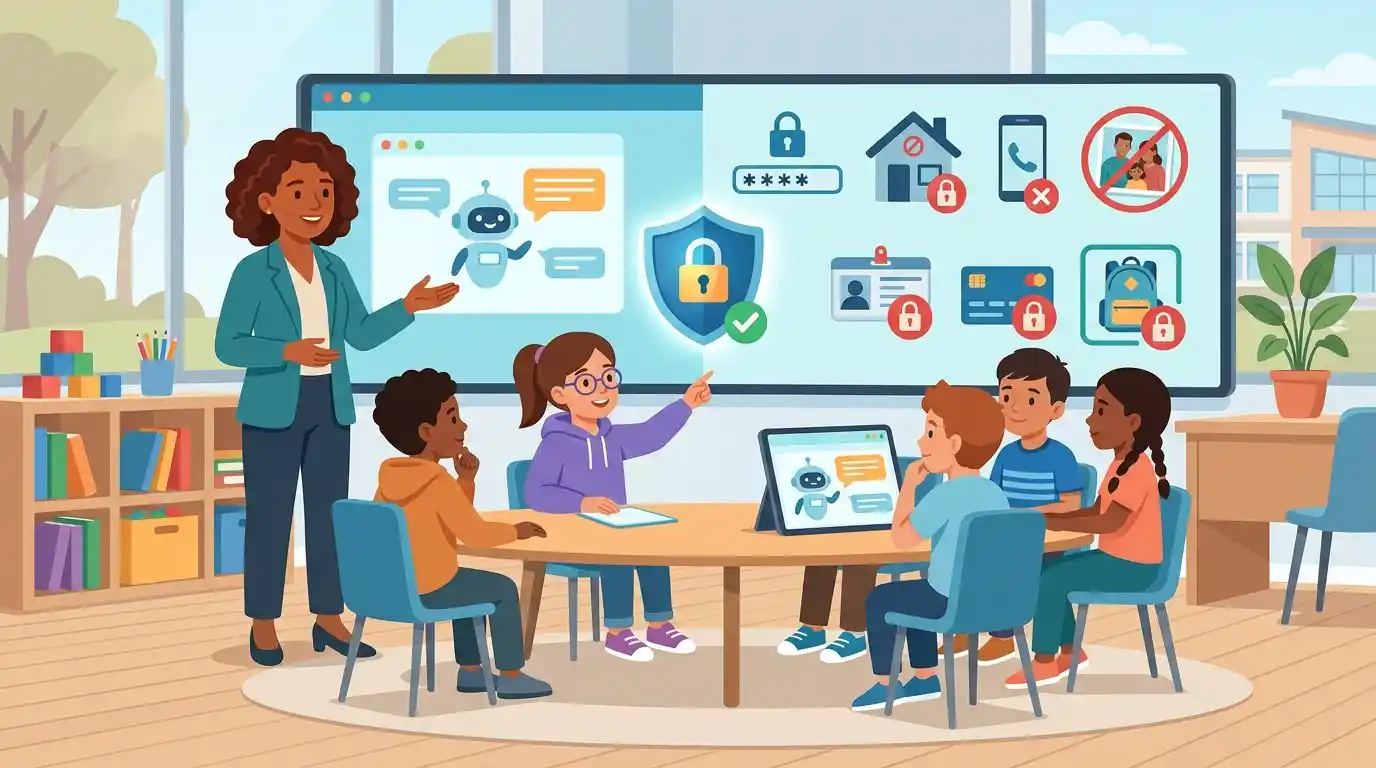
AI chatbots are becoming a normal part of childhood kids use them for homework help, brainstorming, stories, and general curiosity. But an AI tool being able to answer almost anything doesn’t mean a child should tell it everything. The golden rule is simple: if it’s private, sensitive, or could help someone locate or identify you, don’t type it into an AI tool. That covers passwords, home addresses, school details, phone numbers, photos, ID documents, financial info, family secrets, friends’ private details, and anything that could put someone’s safety at risk.
Here’s a full breakdown parents, teachers, and kids can actually use.
Why This Even Needs to Be Taught
Kids today grow up assuming AI is just… there. They ask it questions the way older generations asked a search engine or an encyclopedia. But there’s a key difference: a search engine doesn’t remember your conversation and build a profile of you. Many AI tools store what you tell them.
Kids are still learning what “private” even means. They might not realize that a bunch of small, seemingly harmless details — like their first name, their school, their city, and their daily schedule — can add up to something a stranger could use to find or identify them.
That’s why this isn’t really about scaring kids away from AI. It’s about teaching them where the line is, so they can keep using these tools confidently and safely.
1. Passwords and Login Information
Never share:
- School account passwords
- Email passwords
- Gaming account passwords
- Social media passwords
- Usernames paired with passwords
- PINs
- Security codes
- One-time verification codes
Kids sometimes think an AI chatbot needs a password to “fix” an account or log in on their behalf. It doesn’t and there’s almost never a legitimate reason to hand one over to an AI tool.
What to do instead: If a child needs help with an account, they should go to a parent, teacher, or the actual official support system for that app or website not an AI chatbot.
2. Home Address
Kids should never tell an AI tool exactly where they live. That includes:
- House or apartment number
- Street address
- Building name or details
- Any combination of details that makes the home easy to pinpoint
Instead of saying:
“I live at House 123, Street 5, Apartment 2.”
They can just say:
“I live in Karachi.”
The second version still gives the AI enough context to be useful — without handing over an exact location.
3. School Name and Detailed School Info
A child’s school counts as personal information too. Be cautious about sharing:
- The exact school name
- School address
- Classroom number
- A teacher’s personal details
- Daily school schedule
- Pickup location and time
- When the child is alone before or after school
Here’s the thing — a single detail might feel harmless on its own. But combine a few, and suddenly you’ve painted a much clearer picture:
School + Grade + Teacher + Daily Schedule + Neighborhood = a surprisingly detailed routine.
That combination is exactly the kind of thing that should stay off any AI chat.
4. Phone Numbers and Contact Info
Kids shouldn’t hand over personal contact details unless a parent has clearly decided it’s appropriate for a specific, legitimate reason. This includes:
- Phone numbers
- Personal email addresses
- Messaging app usernames
- Private social media handles
- Any contact info belonging to a friend, not just themselves
Instead of:
“Write a message to Sarah at [her phone number].”
They can say:
“Write a friendly message to my classmate.”
Same helpful result, zero private data shared.
5. Private Photos
Photos can reveal a lot more than kids realize at first glance. A single picture might contain:
- A school uniform with the school’s logo or name
- Visible street signs or house numbers
- Location details in the background
- Family members’ faces
- Documents lying around
- ID badges
- Other personal belongings that give away too much
Before uploading any photo, teach kids to ask themselves:
“Would I be okay if this picture became public, forever, to anyone?”
If the answer is no don’t upload it.
6. Identification Documents
Never upload photos or copies of sensitive ID documents to an AI tool without a trusted adult’s guidance and an actual good reason. This includes:
- Passports
- National ID cards
- Student ID cards
- Birth certificates
- Medical documents
- Official certificates
These documents are packed with sensitive personal data. If a child genuinely needs help understanding something on one of these documents, an adult should first check whether it’s safe to share it and whether identifying details should be blacked out or removed first.
7. Financial Information
Anything money-related should be treated as strictly off-limits. Never share:
- Bank account numbers
- Credit or debit card numbers
- Online banking passwords
- Payment PINs
- Digital wallet login details
- Transaction security codes
Even if an AI tool claims it can “help fix a payment issue,” a child should never hand over financial credentials. Money matters should always go through a trusted parent or guardian not a chatbot.
8. Private Family Information
Not everything a child knows about their family needs to end up in an AI conversation. Keep the following private:
- Parents’ financial struggles
- Family disagreements or conflicts
- Personal legal matters
- Shared family passwords
- Private medical information
- Family secrets
- Anything that could put a family member at risk if it got out
Kids sometimes open up to an AI chatbot because it feels like they’re “just talking to a computer” like it’s harmless, like a diary. It’s important they understand: an AI tool is a technology service, not a private journal. What they type isn’t automatically confidential.
9. Information About Friends
Privacy isn’t just about protecting yourself it’s about protecting other people too. Kids shouldn’t share a friend’s:
- Full name
- Home address
- Phone number
- Passwords
- Private photos
- Personal problems or struggles
- School details
- Private conversations they had together
A good rule to teach: just because you know someone else’s private information doesn’t mean you have permission to share it.
Before typing anything about another person into an AI tool, a child should ask: would that friend be okay with this being shared?
10. Secrets or Anything That Could Put Someone at Risk
This last one matters the most. Kids should never share information that could create a real safety risk for themselves or anyone else. That includes:
- Plans to meet someone in person, especially a stranger
- Exact travel plans
- When parents are away from home
- When the child is home alone
- Security codes or alarm details
- Hidden locations
- Emergency-related private information
- Anything someone specifically asked them to keep secret
If something ever feels off or unsafe, the answer is always the same: talk to a trusted adult. Don’t rely on an AI tool to handle a safety concern.
The STOP Test: A Quick Habit for Kids
Before typing or uploading anything into an AI tool, teach kids this simple four-step check:
S — Stop. Don’t immediately type or upload it. Pause for a second first.
T — Think. Ask: is this actually private or sensitive information?
O — Observe. Could this identify me, my family, my school, or someone else?
P — Protect. If yes to either question above — don’t share it.
This habit takes seconds to run through, but it builds real judgment over time.
The One-Line Rule Every Kid Can Remember
Kids don’t need to learn complicated cybersecurity vocabulary. One simple sentence covers almost everything:
Never share with AI: who you are + where you live + how to contact you + how to access your accounts.
In practice, that means being careful with:
Name + Address + Phone Number + Passwords + School + Private Photos + Financial Information
Kids can absolutely still get great, useful answers from AI without ever handing over these details.
What Can Kids Safely Ask AI?
AI is genuinely useful for learning the goal isn’t to avoid it, just to use it smartly. Totally safe examples include:
- “Explain photosynthesis in simple words.”
- “Help me understand fractions.”
- “Give me ideas for a science project.”
- “Help me practice my spelling.”
- “Explain how the solar system works.”
- “Give me ideas for a creative story.”
- “Quiz me on world geography.”
- “Help me brainstorm my school presentation.”
The trick is keeping things general instead of personal.
Not this:
“Here’s my home address help me find the nearest school.”
This instead:
“What should I think about when choosing a school in my city?”
Same useful answer. Zero personal data shared.
Why This Actually Matters for Kids Specifically
Children are still figuring out what “privacy” even means in the first place. They might not connect the dots that details which feel totally harmless on their own can become something else entirely once combined.
For example:
First name + school + city + age + daily schedule = a lot more identifying information than any single piece alone.
Teaching kids about this early builds a habit that sticks with them for life long before they’re managing their own social media, bank accounts, or online identity as adults.
Being good at AI isn’t only about writing clever prompts. It’s just as much about knowing what not to put in a prompt in the first place.
A Simple “Private vs. Public” Chart Parents Can Use
Sit down with your child and sort information into two columns. Here’s a starting point:
| Usually Safer to Share | Always Keep Private |
|---|---|
| General hobbies | Passwords |
| Favorite subjects | Home address |
| General learning questions | Phone number |
| Public facts | Financial information |
| General school topics | Private photos |
| Creative story ideas | ID documents |
| Fictional characters | Security codes |
| General interests | Exact daily schedule |
The exact line can shift depending on the specific AI tool or situation but this table gives kids a solid, simple starting point they can actually remember.
What If a Child Accidentally Shares Something Private?
First: don’t panic, and don’t scold them. The most important thing is that the child tells a trusted adult right away instead of trying to hide it.
From there, a parent or guardian can:
- Figure out exactly what was shared.
- Check if the AI service has options to delete or manage that conversation.
- Change any passwords that were accidentally shared.
- Keep an eye on relevant accounts for a while, just in case.
- Report anything suspicious or harmful to the platform.
- Talk with the child calmly about what happened, without blame.
Mistakes like this are learning moments, not failures. The goal was never to make kids scared of AI — it’s to help them build the judgment to use it well.
Frequently Asked Questions
What things should children never share with AI? Passwords, security codes, home addresses, personal phone numbers, financial information, ID documents, private photos, detailed school information, and sensitive details about themselves, their family, or their friends.
Is it safe for kids to use AI tools at all? Yes, with age-appropriate guidance. AI can genuinely help with learning, but kids should understand basic privacy rules, and parents should check the privacy practices and age requirements of whatever tool their child is using.
Should kids tell AI their real name? Not unless it’s actually necessary. When a real name isn’t required for the task, kids can skip it and just describe themselves generally instead.
Can kids upload photos to AI tools? They should be cautious. Photos can reveal faces, school uniforms, home addresses, documents, or location details without the child even realizing it. A trusted adult should help decide if a specific photo is safe to upload.
Should kids tell AI their school’s name? No, unless there’s a genuinely legitimate reason and an adult has confirmed it’s appropriate. Avoid sharing the exact school name or detailed schedule info by default.
Can kids give AI their home address? No — not the exact address. A general location like their city is usually enough when location context is genuinely needed for the question.
Should kids share their friends’ personal information with AI? No. Respecting a friend’s privacy matters just as much as protecting your own — avoid sharing their phone number, address, photos, passwords, or personal stories.
What should a child do if they accidentally shared private info with an AI tool? Tell a trusted adult immediately. The adult can figure out what was shared, change any exposed passwords, and check the AI service’s privacy or data-deletion options.
What can kids safely ask an AI tool? Educational questions, creative writing prompts, general knowledge questions, and learning exercises — phrased with general or fictional details instead of real personal information.
What’s the single most important AI safety rule for kids? Don’t share private information with an AI tool unless a trusted adult has specifically confirmed it’s necessary and appropriate.
Conclusion
AI can be an incredible tool for a child’s curiosity, creativity, and learning. But being good at AI isn’t just about asking smart questions it’s about knowing exactly where the privacy line sits, and never crossing it just because a chatbot happens to ask.
The simplest way to teach it: share the question, protect the personal information.
As AI keeps becoming a bigger part of school and everyday life, this kind of privacy awareness isn’t optional extra knowledge anymore it’s becoming one of the most basic digital skills every child needs to grow up with.